Junagadh house tax online payment is now simple for property owners in Junagadh. The official municipal service pages confirm that residents can pay house or property tax online through Junagadh Municipal Corporation portals.
This guide explains the payment process, bill status check, receipt download, calculator usage, rebates, and support options in one place.
This article is designed for readers who want Junagadh house tax online payment instructions, House Tax bill download Junagadh steps, and the latest process for checking dues online.
Use the calculator tool here on TaxLekka before submitting payment. It helps estimate the amount and avoids payment surprises, especially when you want to compare your bill with municipal records.
Junagadh Property Tax Calculator
Live auto calculation with general tax and applicable charges – Estimation
Property Details
Junagadh House Tax Online Payment
You can complete Junagadh house tax online payment from the official municipal portal or linked service pages. The online flow is usually straightforward and only takes a few minutes if your property details are ready:
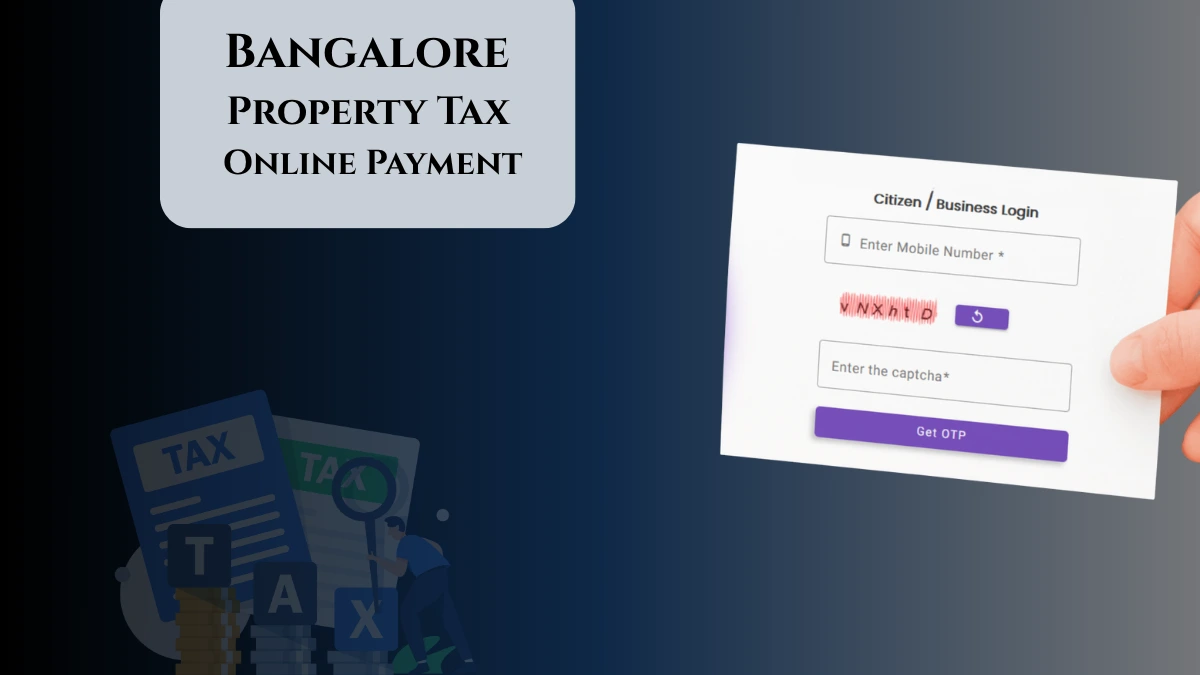
Using jumcerp.gipl.in/account/citizenlogin
- Open the citizen login page: jumcerp.gipl.in/account/citizenlogin.
- Enter your registered mobile number and Enter Captcha.
- Hit Generate OTP and ENter received OTP.
- After logging in, check your outstanding Junagadh property tax dues and verify all details carefully pending amount shown on screen.
- Click the payment option such as Pay Now or the equivalent button shown by the portal.
- Choose a payment method such as UPI, debit card, credit card, or net banking.
- Complete the payment and save or download the receipt once the transaction succeeds
- Even after successful payment, Use the municipal corporation receipt download option to get your junagadh house tax receipt and save the pdf copy.
For added convenience, taxpayers can also use the mobile app available on the Android Play Store to make payments and manage their accounts on the go.
Using enagaruat.gujarat.gov.in/DIGIGOV/
- Open the eNagar portal: enagaruat.gujarat.gov.in/DIGIGOV/.
- On the portal home page, go to the Quick Pay area and select Property Tax Payment.
- Select your local body/municipality as Junagadh Municipal Corporation, then enter the tenement number or property number requested by the portal.
- Fill in the required verification details, which may include ward number, captcha, mobile number, and email ID depending on the screen shown.
- Click Search or the equivalent button to fetch your property details and amount due.
- Click Make Payment and choose a payment method such as net banking, ATM/debit card, or UPI.
- Finish the transaction and download the generated receipt after successful payment.
Payment Deadlines and Rebates
Adhering to deadlines for Junagadh house tax payment is crucial to avoid penalties and take advantage of rebates:
- Early Payment (April 1 to April 30): Eligible for a 10% rebate on total property tax.
- On-Time Payment (May 1 to May 31): Eligible for a 7% rebate on total property tax.
- Payments made after May 31 are considered late and subject to penalties.
Penalties for Late Payments
- An interest of 18% per annum is charged on overdue amounts.
- Additional fees include:
- 0.5% Notice Fee
- 6% Warrant Fee
- 25% Education Cess
By paying early or on time, taxpayers can avoid penalties and reduce their overall financial burden.
Junagadh Property Tax Exemptions and Rebates
The Junagadh Municipal Corporation offers several exemptions and rebates to eligible taxpayers:
- Senior Citizens: Senior citizens above 60 years are eligible for up to a 30% rebate on property tax.
- Defense Personnel: Properties owned by defense personnel are eligible for special exemptions as per state government directives.
- Charitable Organizations: Registered charitable organizations may qualify for exemptions based on their property’s usage and purpose.
To claim these benefits, taxpayers must submit valid documents such as age proof or service certificates before the payment deadline.
How to Download Duplicate Property Tax Bill in Junagadh
If you need a duplicate copy of your property tax bill, follow these simple steps:
- Visit the official Junagadh Municipal Corporation website.
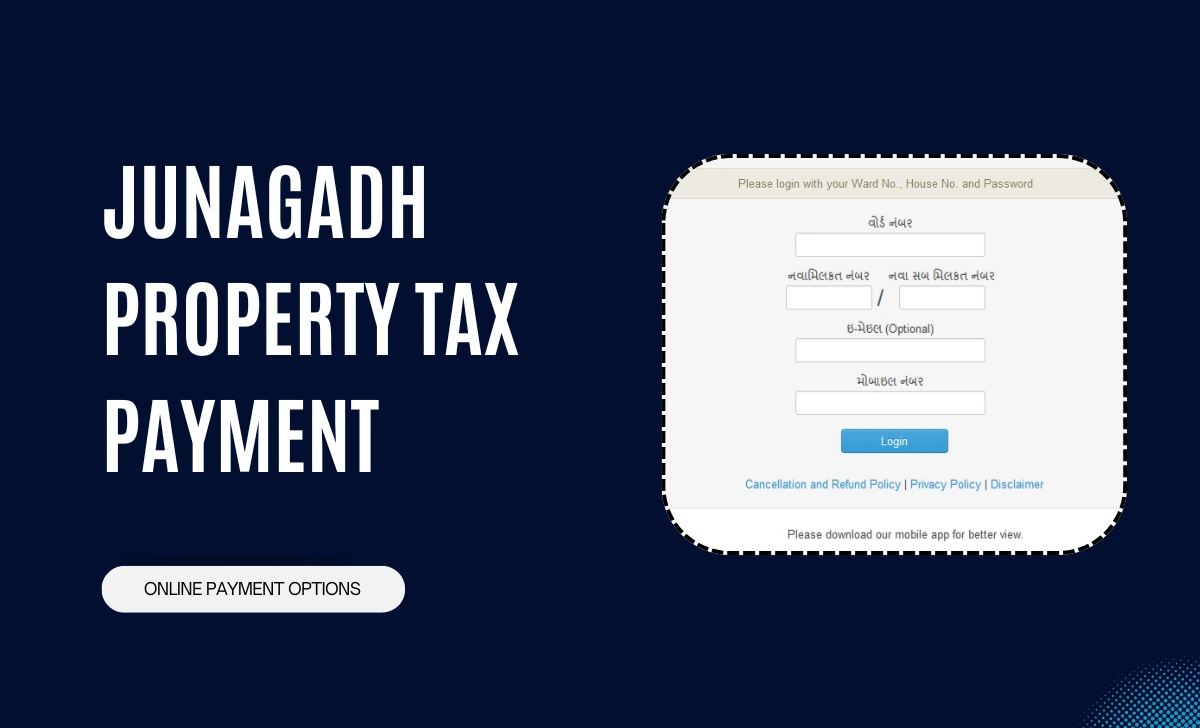
- Log in using your Ward Number, House Number, and Password.
- Navigate to the “Property Tax” section.
- Select the option for “Duplicate Bill” or “Tax Receipt.”
- Download your duplicate bill as a PDF using the Junagadh house tax bill download option.
Conclusion: By utilizing the junagadh house tax online payment platform and adhering to deadlines, you can easily manage your municipal corporation house tax obligations, and to download your house tax receipt, with benefit from available rebates. So, stay update via the official portal and keep your records organized with the junagadh house tax receipt pdf for future reference.
Open the property tax portal, enter your property details, and view the bill status or payment history.
Yes. The portal usually allows property search and bill viewing before payment.
Check the transaction history or payment status section later. If needed, contact the municipal office using the official website details.
General tax is calculated as Carpet Area × Rate × F1 × F2 × F3 × F4, as shown in the calculator.
The base rates are Rs. 26 for residential, Rs. 47 for commercial, and Rs. 42 for industrial property per sq. meter.